




Automatic dog feeders
1.1 gal (4 L) Automatic Pet Feeder, Button or Wi-Fi Control
- Options
- 8 to choose from
From $74.99
Free US shipping over $49 · 30-day free returns · Happy pets, happy homes
Pet care guidesDogs
Mealtimes, made easy.
16 items picked for everyday life with your pet, with shipping estimates on every item.
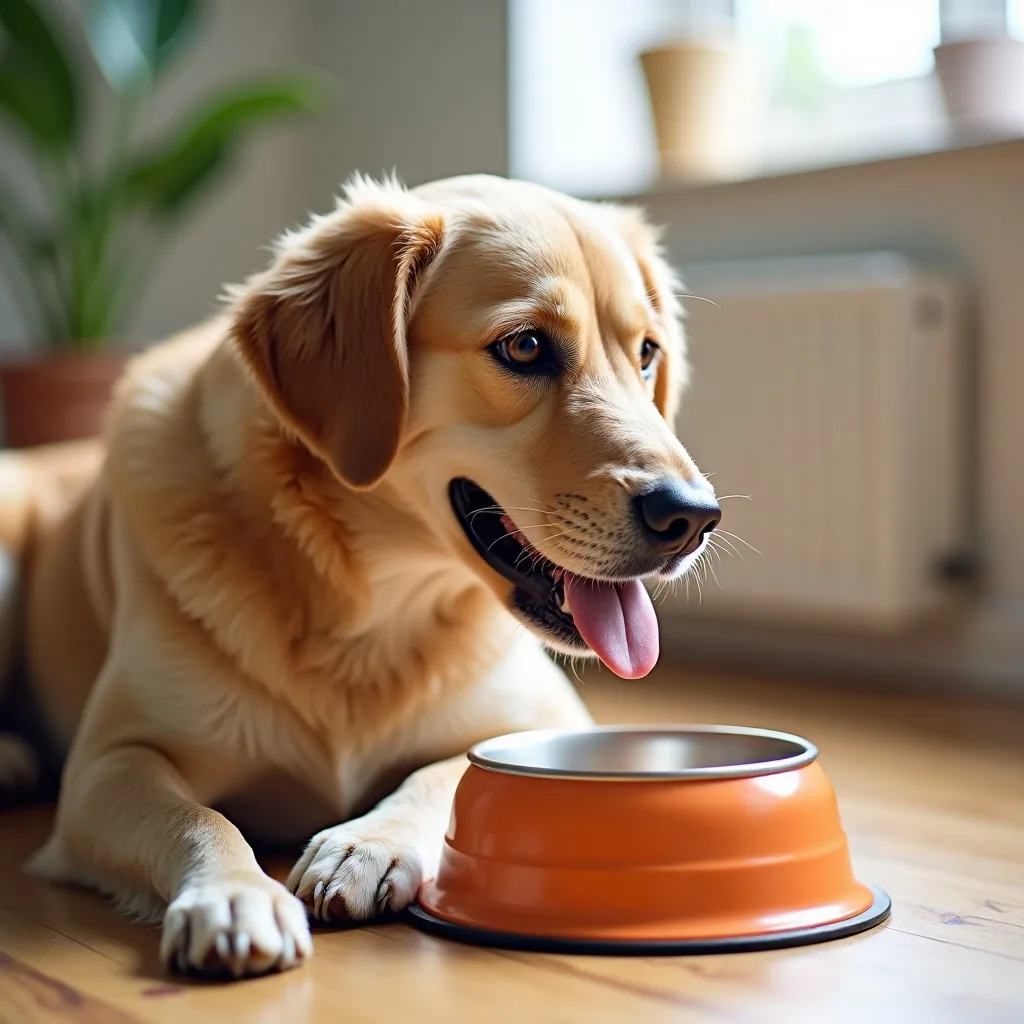 The right bowl makes every meal better.
Find their favorites
Choose a section to narrow the range.
Automatic dog feeders
From $74.99

Automatic cat feeders
$134.99

Automatic dog feeders
From $127.99


Automatic dog feeders
From $100.99
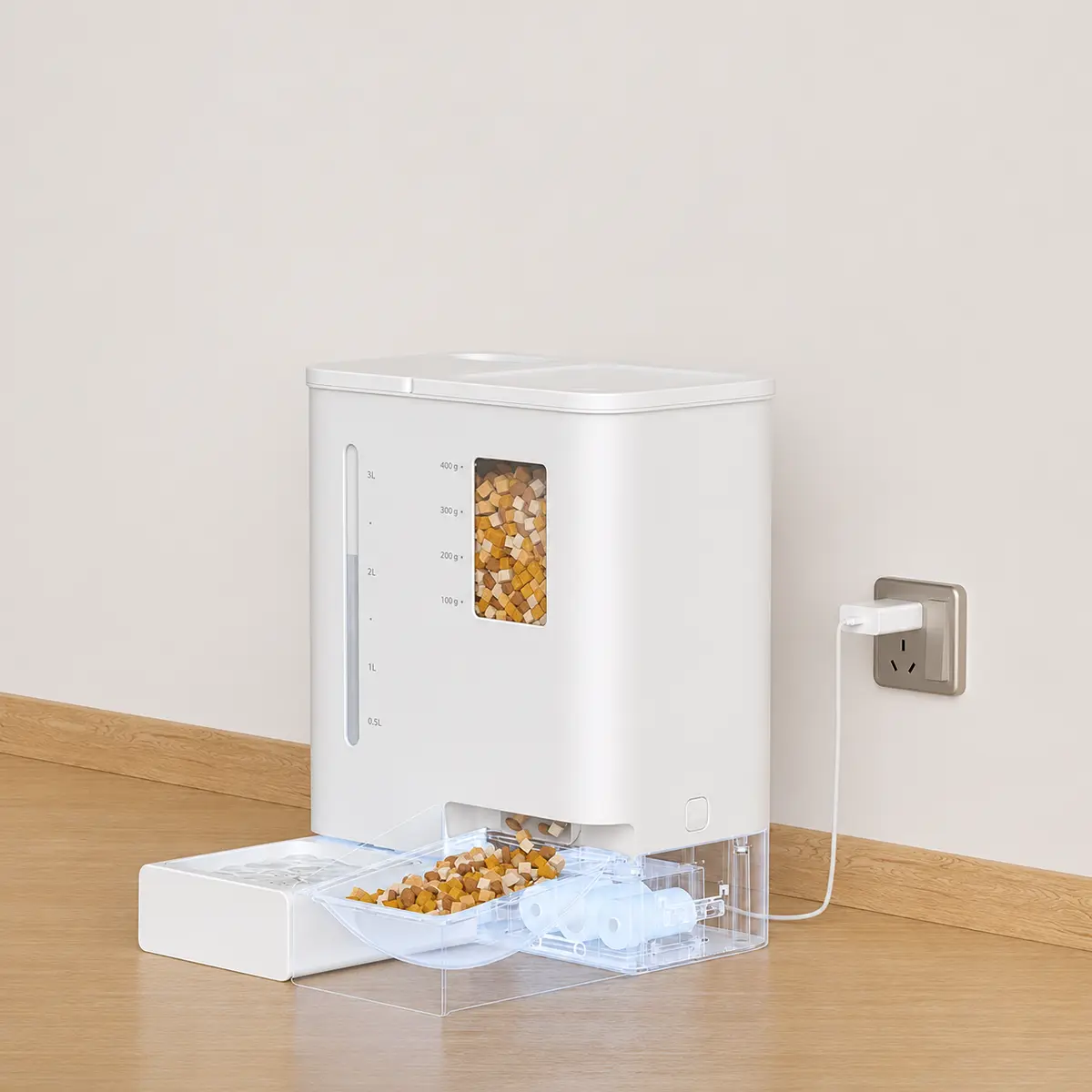

Automatic dog feeders
From $64.99

Automatic dog feeders
From $90.99
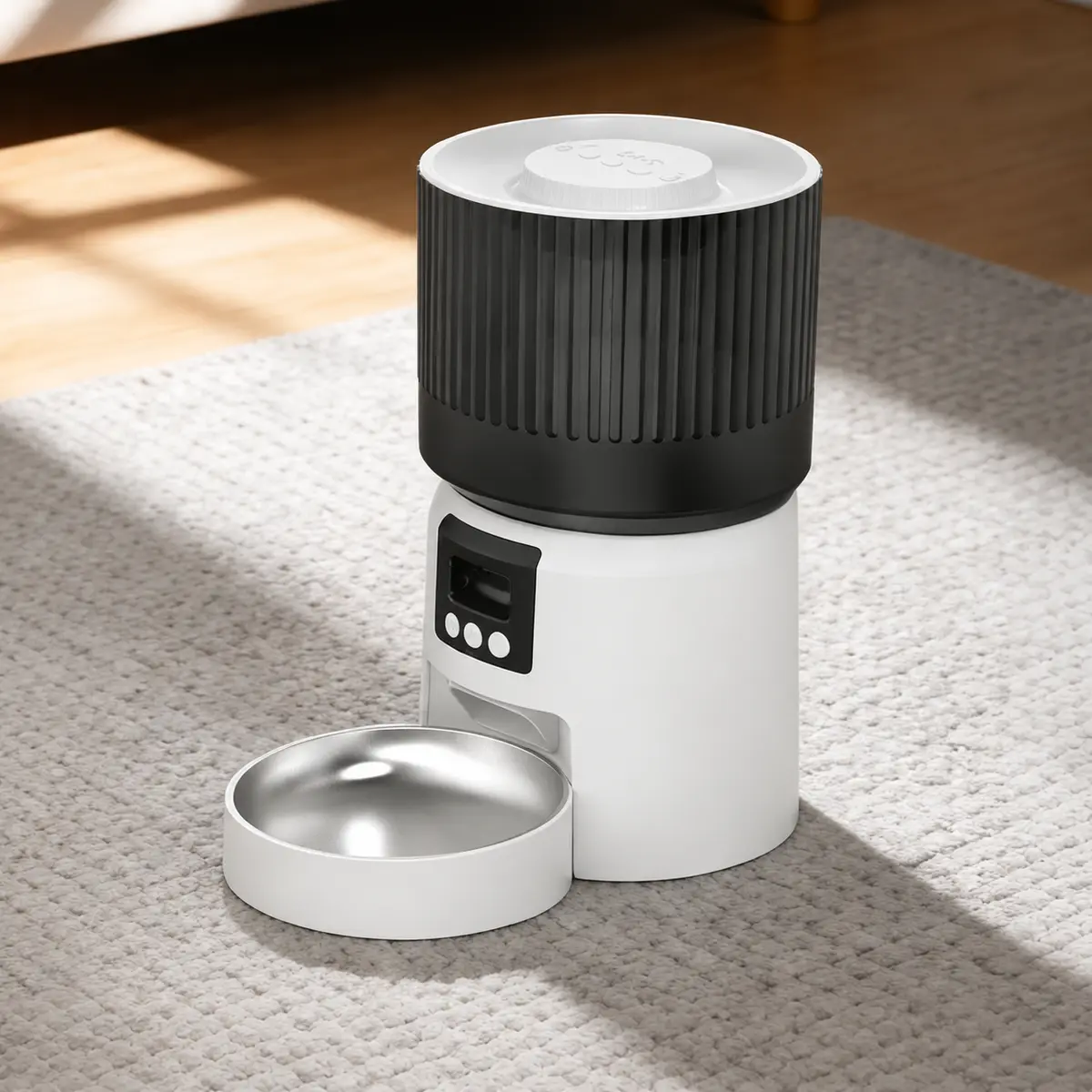

Automatic dog feeders
From $62.99

Automatic dog feeders
From $61.99
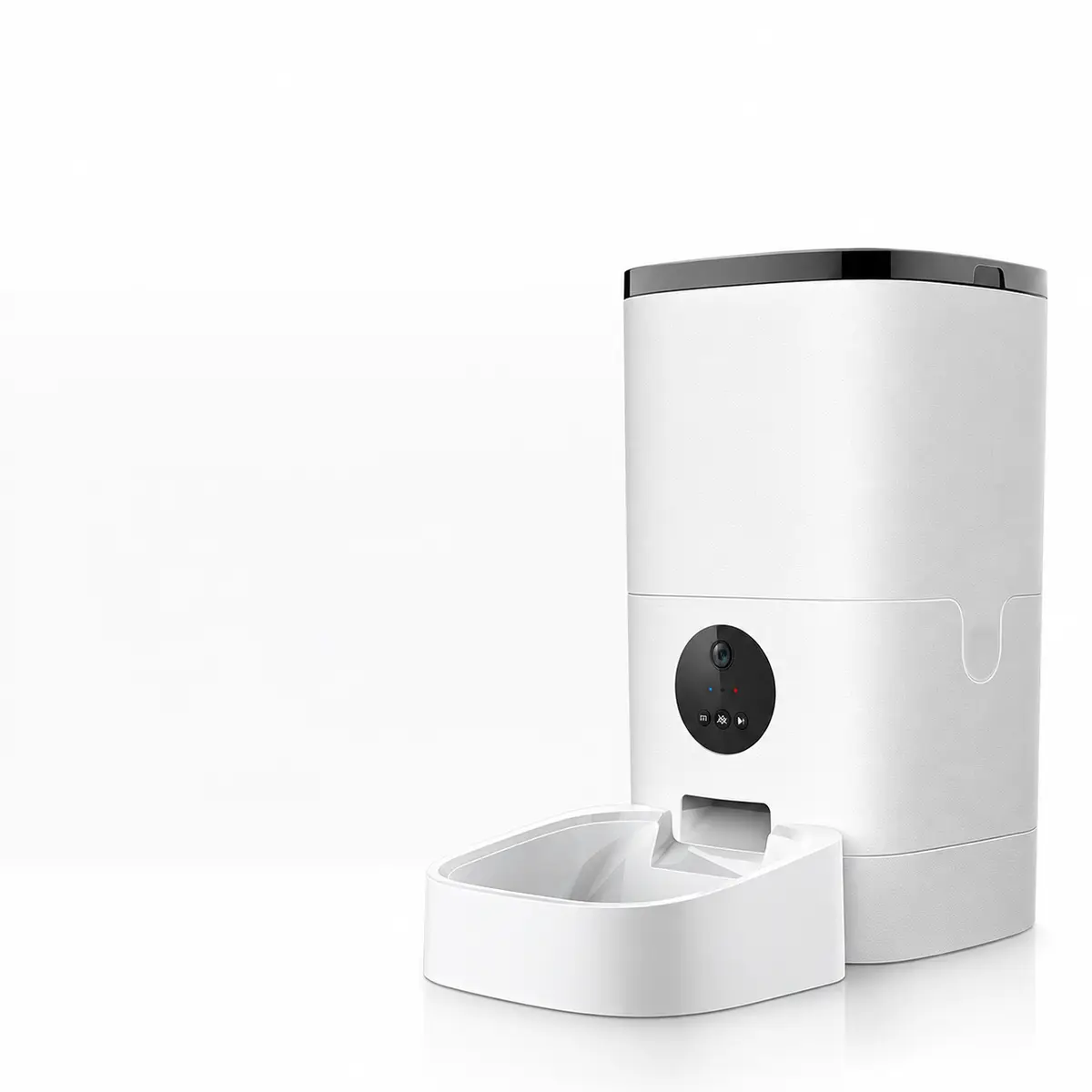
Automatic dog feeders
From $158.99

Automatic dog feeders
From $75.99


Automatic dog feeders
From $124.99
A little guidance
Buying guides and care advice written for this range: what to measure, what matters and what to skip.
This page narrows our Automatic Dog Feeders range to smart, connected designs: WiFi automatic feeders you schedule from an app, a WiFi feeder and waterer two-in-one set, smart app-controlled feeders, a smart automatic feeder with twin bowls, a timed and portioned intelligent feeder, and a smart auto-lid pet bowl with a stainless steel insert. They are for owners who want to manage mealtimes remotely and see when their pet has eaten. The guide below covers setup, portions and network security.
A basic automatic feeder runs on a schedule set on the unit. A smart feeder connects to your home WiFi and an app, so you can change meal times, adjust portions, add a snack and check that each meal was dispensed while you are at work or away for the night.
Many also send alerts when food runs low or a meal fails to dispense. Twin-bowl feeders can feed two pets, or split a meal into two portions. A smart feeder and waterer set adds a fountain-style water station managed in the same app.
Smart feeders measure food by volume in set portions, and portion sizes differ between models. Check your pet's daily amount on the food bag or with your vet, run one portion and weigh it on a kitchen scale, then set the number of portions per meal so the day adds up correctly.
Most feeders suit dry kibble of a standard size. Very small or very large pieces can jam the dispenser. If you change foods, weigh a portion again, since a different kibble shape changes how much fits in each portion.
A smart feeder still needs power. Choose one with battery backup so meals continue during an outage, and check whether it keeps its stored schedule if WiFi drops. Many do, but you lose remote control and alerts until the connection returns.
Watch the feeder dispense meals for the first week while you are home. Make sure your pet is not frightened by the motor and that food drops cleanly. Keep the hopper sealed so food stays fresh and clever pets cannot break into it.
Any connected device is part of your home network. Use a strong, unique password for the app, keep firmware updated and connect the feeder to your home network rather than a public one. Remove the device from your account before selling or giving it away.
The app history makes it easy to see whether meals are being eaten, but it cannot tell you why a pet stops eating. Check the bowl daily, and contact your vet if your pet skips meals for more than a day or seems unwell. A smart feeder supports care; it does not replace it.
They are useful if your schedule varies or you are often away at mealtimes, because you can adjust feeding and get alerts from your phone. A basic timed feeder is simpler if you only need a fixed schedule.
Many keep running their stored schedule when WiFi drops, but you lose remote control and alerts until it reconnects. Check your model's offline behavior before relying on it.
Twin-bowl feeders can dispense into two bowls. They cannot stop one pet eating the other's food, so supervise or feed in separate spots if needed.
Most are designed for dry kibble only. Some smart bowls with auto-lids can hold wet food briefly, but wet food spoils, so check the product details.
Use a strong, unique app password, keep the firmware updated and connect only to your own home network. Remove the feeder from your account before passing it on.